Your application. Connected to the field.

Bring field measurements into your application through a supported data connection. Agree the measurements, units, station identifiers, and reporting schedule with Zenseio™; use Dashboards alongside your software for device diagnostics.

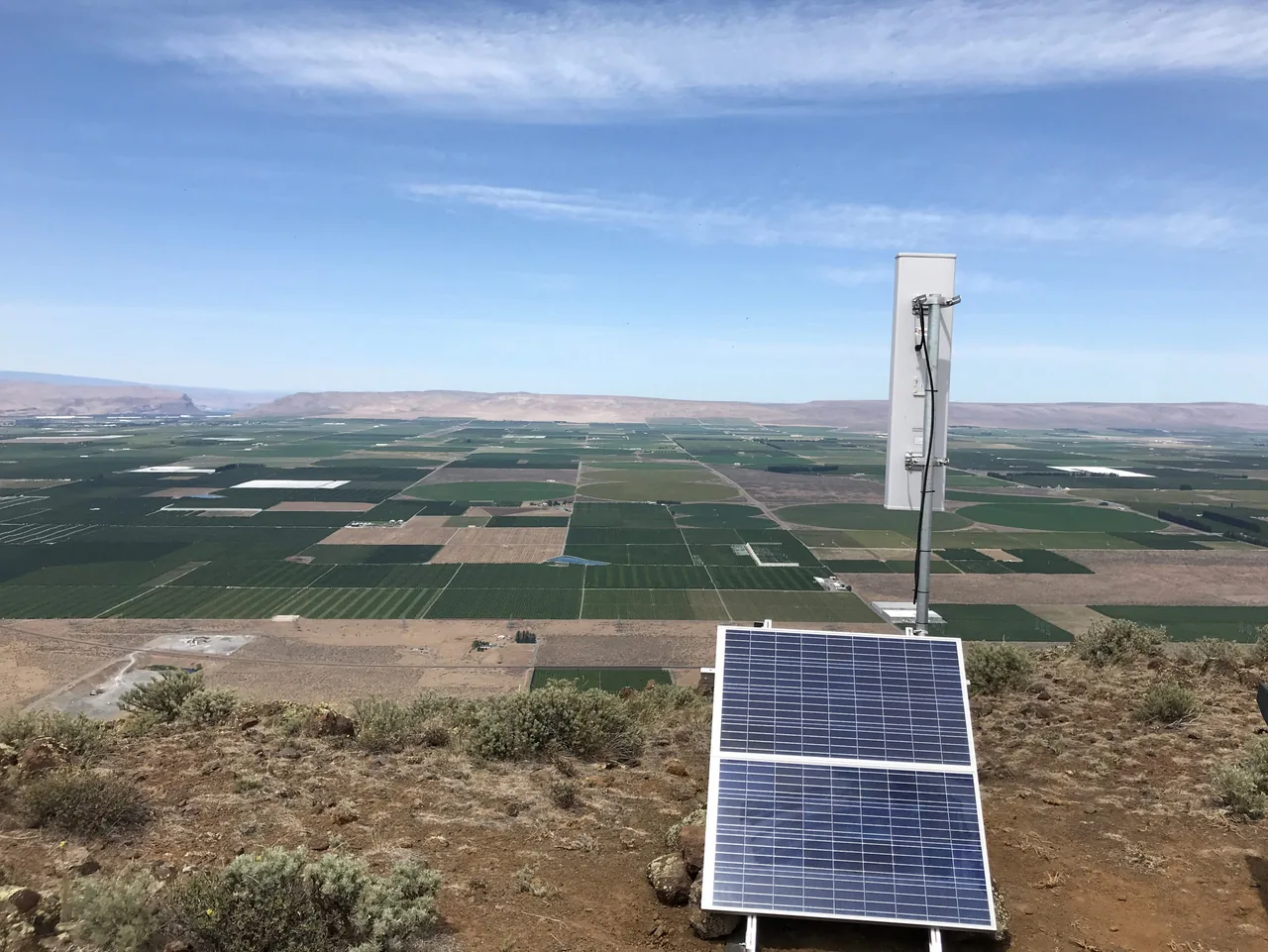
Solar-powered gateway on a ridge overlooking cultivated fields

01 / Integrations

Your data. Your choice of application.

LTE-M and LoRaWAN® are open communication standards. Your sensor data is not locked into a proprietary Zenseio™ application: send it to your own software or a supported platform of your choice. Use Zenseio™ Dashboards alongside that application for device health and sensor history.

  • Zenseio™ data service

    Receive readings through the configured Zenseio™ service. Agree the destination, measurements, units, and device mapping for your application.

  • LoRaWAN® network integration

    A private LoRaWAN® deployment can use its compatible network-server integration path. Agree the data format, routing, and support responsibilities for that network.

  • Zenseio™ provides a standard, secure, real-time streaming REST interface with JSON messages sent by HTTP POST. Measurements arrive as devices report them.
  • Start with one representative site to confirm the measurements, units, and device mapping your application needs before expanding.

02 / Integrations

From field reading to a working integration

Start with one representative station. Confirm the data and delivery requirements your application needs before planning a wider rollout.

  1. 01

    Define the data

    Identify sensor models, measurements, units, reporting schedules, and how your application identifies each station.

  2. 02

    Review the connection

    Discuss the supported delivery path, required services, destination configuration, and delivery behavior for your project.

  3. 03

    Validate together

    Review representative messages and check the received readings against the agreed mapping. Agree support responsibilities before rollout.

03 / Integrations

Use sensors you already trust

Build around popular instruments your team trusts, including supported Sentek, AquaCheck, METER, Seametrics and MaxBotix models. Choose sensors for the measurement you need, with clear interface, firmware, and power requirements. A proprietary sensor ecosystem is not a prerequisite.

  • Choose SDI-12 for compatible digital soil probes and weather stations. RS-485/Modbus is an alternative for compatible instruments and TeleFarm™ hardware and firmware.
  • Use configurable inputs for signals such as pressure-transducer voltage, flow-meter pulses, and switch state. Confirm the exact signal and power needs before combining instruments.

04 / Integrations

Choose cellular or LoRaWAN® for the site

The network choice depends on where your instruments are and what coverage you already have. A standalone pump station and several monitoring points on one farm may call for different options.

  • Choose CSMP-4103 for sites with supported LTE-M coverage where you want each device to report over cellular without a local gateway.
  • Choose LSMP-2103 for a private network serving many low-power monitoring points. Place gateways where cellular or Ethernet internet is available. Plan for gateway power, an internet connection and ongoing network maintenance.
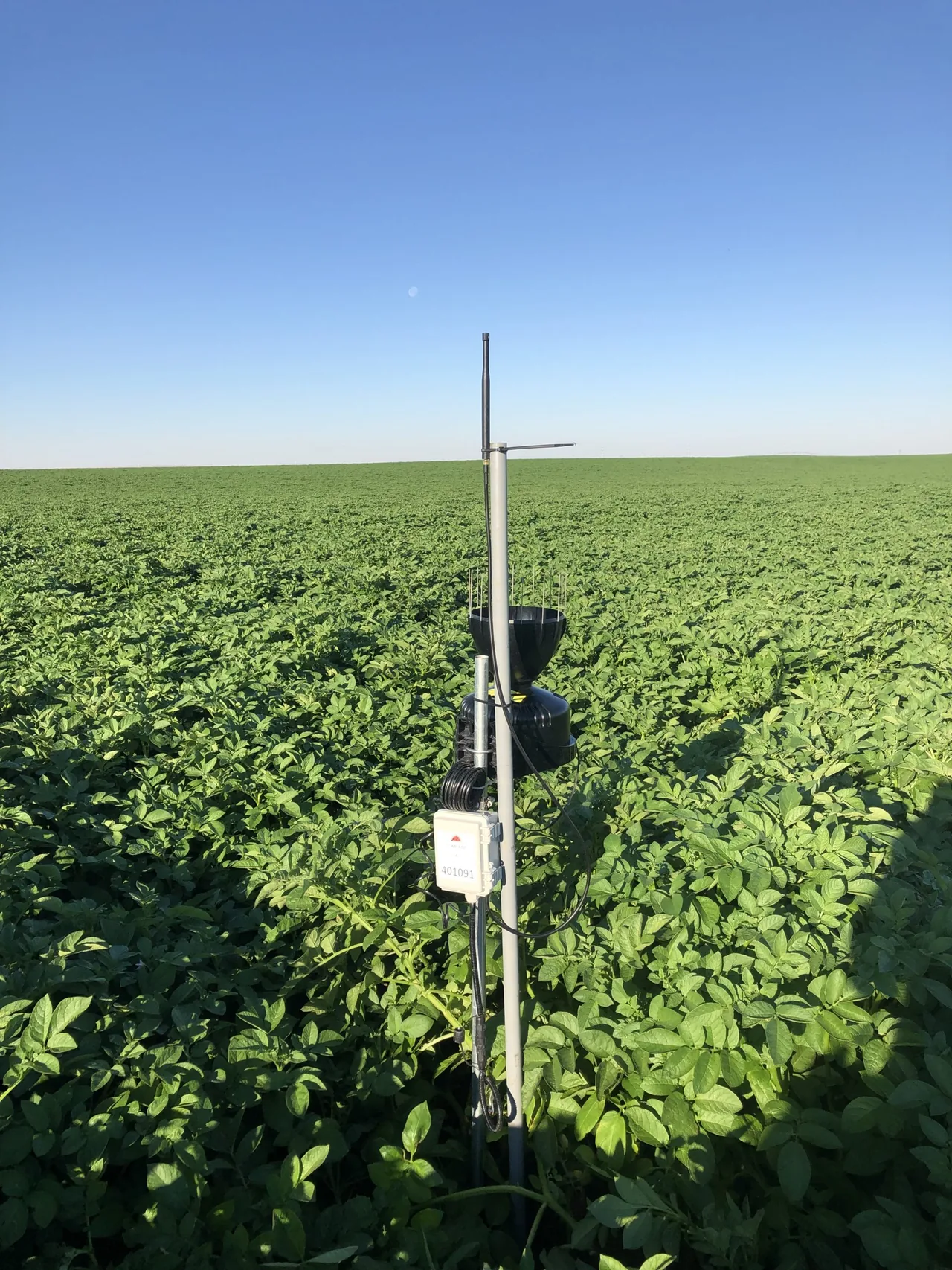
Antenna extension and enclosure on a field post

05 / Integrations

Your integration questions

Straight answers to help you choose the right setup.

How does Zenseio™ deliver data to my application?

The configured Zenseio™ service provides a standard, secure, real-time streaming REST interface, using JSON messages sent by HTTP POST. Measurements arrive as devices report them. A private LoRaWAN® deployment can also use its compatible network-server integration path.

Does using Zenseio™ Dashboards lock in my application?

No. Dashboards supports operational monitoring and investigation; your own application can continue to serve your customers. Confirm the data mapping, units, destination and service configuration for your project.

Can one station run SDI-12 and Modbus at the same time?

No. On devices supporting both, the interfaces share the sensor connection circuitry and are alternatives. Use the general-purpose inputs for additional compatible signals, or discuss another station when the project needs both buses at once.